

Best Productivity Apps for Nursing Students in Clinical Rotations
Clinical rotations are where nursing students begin translating classroom knowledge into safe, organized, patient-centered care. The pace can be demanding: early mornings, changing units, medication checks, care plans, skills evaluations, and constant documentation expectations. The best productivity apps for nursing students are not simply “nice to have” tools; when used responsibly, they can support time management, clinical preparation, studying, and professional habits that carry into practice.
TLDR: The most useful productivity apps for nursing students in clinical rotations are those that help with scheduling, task tracking, clinical reference, note organization, studying, and secure communication. Apps such as Google Calendar, Todoist, Notion, OneNote, Epocrates, Medscape, Anki, and MDCalc can make rotations more manageable when used consistently. Students should never store patient-identifying information in personal apps and should always follow school, facility, and privacy policies.
Contents
- 1 What Makes an App Useful During Clinical Rotations?
- 2 1. Google Calendar or Apple Calendar for Rotation Scheduling
- 3 2. Todoist or Microsoft To Do for Task Management
- 4 3. Notion for Clinical Organization and Academic Planning
- 5 4. Microsoft OneNote for Lecture Notes and Clinical Concepts
- 6 5. Epocrates, Medscape, and Nursing Drug Guides for Medication Review
- 7 6. UpToDate, Nursing Central, and Other Clinical Reference Tools
- 8 7. Anki and Quizlet for Active Recall
- 9 8. MDCalc for Clinical Calculations and Decision Support
- 10 9. Forest, Focus To Do, or Freedom for Concentration
- 11 10. Google Drive, OneDrive, or Dropbox for File Management
- 12 Building a Simple App System That Actually Works
- 13 Privacy, Professionalism, and Safe Use
- 14 Final Recommendations
What Makes an App Useful During Clinical Rotations?
Productivity during clinical rotations is not about doing more for the sake of being busy. It is about being prepared, reducing preventable mistakes, and making better use of limited time. A good app should help a nursing student answer practical questions: Where am I supposed to be? What do I need to complete before post-conference? Which medications should I review? What skills have I practiced? What topics do I need to study tonight?
The best apps are usually simple, reliable, and quick to access. In clinical settings, students may not have time to navigate complicated systems. Apps should work across devices, sync reliably, and support offline access when possible. Most importantly, they must be used in a way that protects patient privacy. Never enter names, dates of birth, medical record numbers, room numbers, photos, or other identifiable patient information into personal productivity apps.

1. Google Calendar or Apple Calendar for Rotation Scheduling
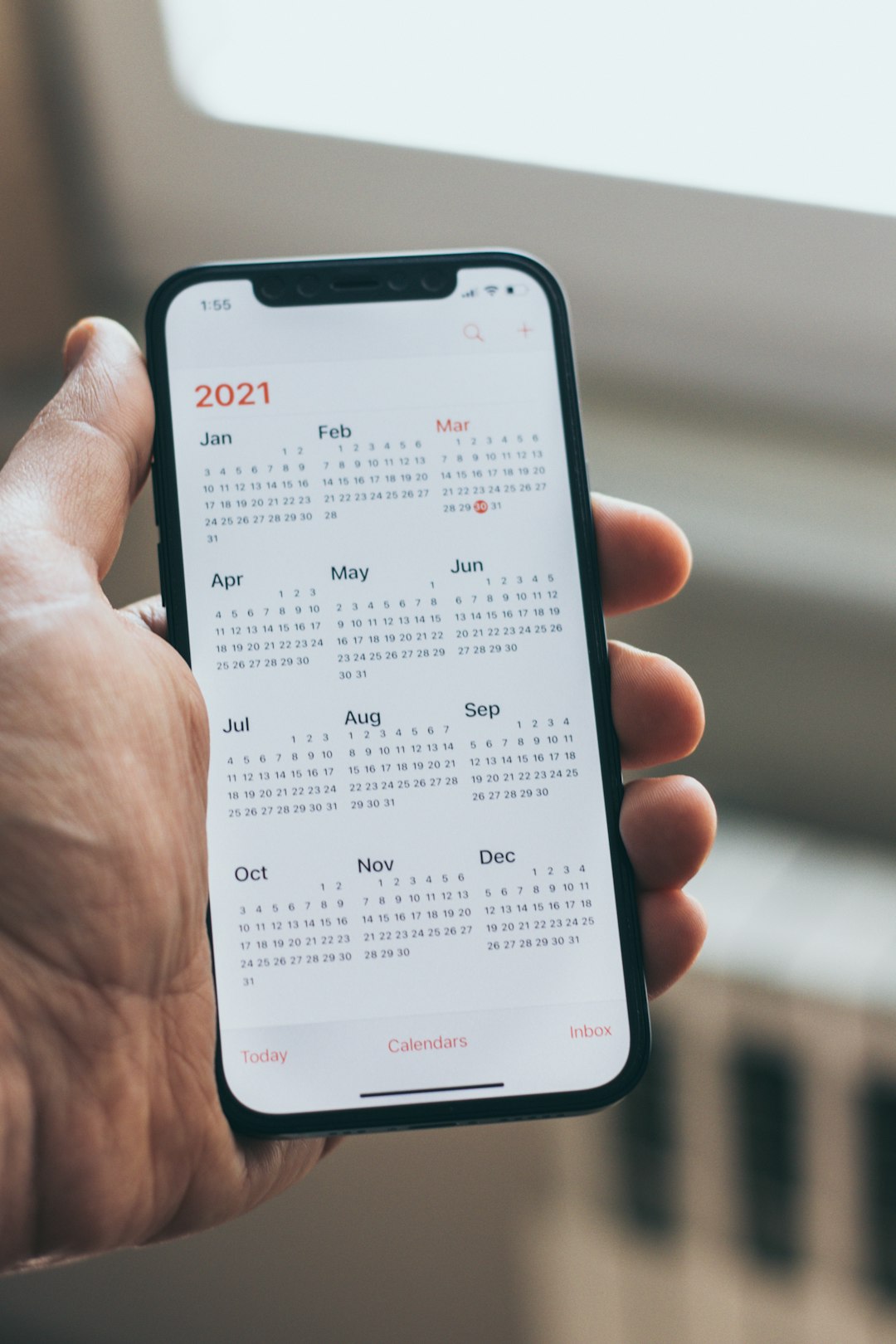
Clinical rotations often involve multiple schedules: hospital shifts, simulation labs, skills checkoffs, exams, care plan deadlines, and work or family obligations. A calendar app is the foundation of a reliable productivity system. Google Calendar and Apple Calendar are strong choices because they are easy to use, sync across devices, and allow color-coded categories.
Students can create separate calendars for clinical shifts, classes, assignments, study blocks, and personal commitments. Setting reminders is especially useful for tasks such as printing required paperwork, reviewing assigned units, packing clinical supplies, or confirming parking and badge requirements. A serious approach is to schedule not only the clinical shift itself but also preparation time and recovery time. Nursing school fatigue is real, and calendars should reflect realistic limits.
- Best for: Scheduling clinical shifts, deadlines, and study blocks.
- Practical tip: Use recurring reminders for weekly clinical preparation.
- Privacy note: Do not include patient names or clinical assignment details that could identify someone.
2. Todoist or Microsoft To Do for Task Management
Clinical rotations generate many small tasks that are easy to forget: review lab values, complete reflection journals, prepare medication cards, submit clinical logs, study wound care, or email an instructor. A task manager such as Todoist or Microsoft To Do helps students capture these responsibilities before they become stressful.
Todoist is especially effective for students who like labels, priorities, and recurring tasks. Microsoft To Do is a good option for those already using Microsoft 365 through their school. The key is to create clear, action-oriented tasks. Instead of writing “Care plan,” write “Draft nursing diagnosis section for care plan” or “Review pathophysiology for CHF before Thursday.” Specific tasks reduce procrastination and make progress visible.
- Best for: Breaking clinical requirements into manageable steps.
- Practical tip: Create a “Before clinical” checklist and reuse it every week.
- Recommended categories: Clinical prep, assignments, skills practice, exam review, personal tasks.
3. Notion for Clinical Organization and Academic Planning
Notion is a flexible workspace that can combine notes, databases, checklists, calendars, and study trackers. For nursing students, it can function as a central dashboard for clinical rotations. Students may use it to track clinical objectives, skills completed, weekly reflections, concept maps, and study topics. Its flexibility is powerful, but it requires discipline: overly complex templates can become a distraction.
A sensible Notion setup might include a clinical rotation page with sections for weekly goals, required paperwork, medication review topics, and instructor feedback. A skills tracker can help students monitor experiences such as Foley catheter care, wound dressing changes, head-to-toe assessments, medication administration observation, or patient education opportunities. This creates a record of growth without storing protected patient information.
Important: Notion should not be used to write patient narratives that include identifiable details. If a student needs to reflect on a clinical experience, the reflection should be generalized and de-identified according to school policy.
4. Microsoft OneNote for Lecture Notes and Clinical Concepts
Microsoft OneNote remains one of the most dependable note-taking apps for nursing students. It is well suited for organizing content by course, system, or clinical topic. Students can create notebooks for medical-surgical nursing, maternal-child health, pediatrics, mental health, and pharmacology, then add clinical rotation notes under each section.
OneNote is particularly useful for students who prefer a binder-style structure. It supports typed notes, handwriting, screenshots, tables, and inserted documents. During clinical preparation, students can create quick reference pages for topics such as diabetes management, oxygen delivery devices, isolation precautions, IV fluids, common lab values, and post-operative care.
Because nursing knowledge is cumulative, a well-organized OneNote system becomes increasingly valuable over time. However, like all personal note apps, it should be used only for general learning content. Do not paste patient chart information into OneNote.
5. Epocrates, Medscape, and Nursing Drug Guides for Medication Review
Medication knowledge is a major part of clinical rotations. Nursing students are expected to understand medication classifications, indications, contraindications, side effects, nursing considerations, and patient education points. Apps such as Epocrates, Medscape, and reputable nursing drug guide apps can support safe preparation.
Epocrates is known for drug information, interaction checking, and concise clinical references. Medscape offers drug information, disease overviews, calculators, and medical news. Nursing-specific drug guides may be especially helpful because they often include administration considerations and nursing implications in language aligned with student expectations.
These apps should support, not replace, required course materials and facility policies. Medication administration is governed by institutional procedures, instructor supervision, physician orders, pharmacy verification, and the rights of medication administration. Students should use drug apps to prepare questions and strengthen understanding, not to independently make clinical decisions beyond their role.
- Best for: Reviewing medications before clinical and understanding nursing implications.
- Practical tip: Compare app information with your assigned textbook or facility-approved resource.
- Safety note: Always verify medication details through approved clinical channels.
6. UpToDate, Nursing Central, and Other Clinical Reference Tools
Some schools provide access to professional reference platforms such as UpToDate, Nursing Central, ClinicalKey, or similar databases. These tools can be very helpful for understanding diagnoses, procedures, assessment findings, and standards of care. If your nursing program or clinical site offers access, it is worth learning how to use it early.
Nursing Central, for example, often combines drug information, disease references, laboratory values, and medical dictionaries. This can save time when preparing for post-conference or reviewing unfamiliar terminology. Professional reference tools are generally more reliable than random internet searches, which may vary in quality and accuracy.
Students should still maintain appropriate boundaries. A reference app can help explain what an elevated BNP may suggest or why potassium levels matter, but it cannot replace instructor guidance, facility policy, or clinical judgment developed under supervision.
7. Anki and Quizlet for Active Recall
Clinical rotations expose students to a large amount of information, but exposure alone does not guarantee retention. Anki and Quizlet help students study through active recall, which is more effective than simply rereading notes. Anki uses spaced repetition, showing difficult cards more often and easier cards less frequently. This makes it especially valuable for pharmacology, lab values, pathophysiology, and assessment findings.
Quizlet is often easier for beginners and supports flashcards, practice tests, and matching activities. Students can create sets for common medication classes, isolation precautions, cranial nerves, pediatric milestones, or maternal complications. The strongest flashcards are brief and focused. For example, instead of making one long card about digoxin, create separate cards for therapeutic use, toxicity signs, pulse considerations, and key patient teaching.
8. MDCalc for Clinical Calculations and Decision Support
MDCalc provides medical calculators and clinical decision tools. While many of its tools are designed for licensed clinicians, nursing students may find it useful for learning how certain scores and calculations are used in practice. Examples include BMI, creatinine clearance, Glasgow Coma Scale, Braden Scale resources, or risk assessment tools depending on availability and context.
The value of MDCalc is educational: it helps students connect numbers to clinical meaning. However, students must be careful not to use any calculator outside their role or without supervision. If a calculation affects care, it should be verified through approved clinical systems and reviewed with the instructor or supervising nurse.
9. Forest, Focus To Do, or Freedom for Concentration
Nursing students often study after long clinical days, when attention is already limited. Focus apps can help reduce distractions and create structured study sessions. Forest encourages students to stay off their phones by growing virtual trees during focus periods. Focus To Do combines Pomodoro timers with task lists. Freedom can block distracting websites and apps during scheduled sessions.
These tools are most effective when paired with specific goals. A productive focus block might be: “Review anticoagulants for 25 minutes,” “Complete two care plan sections,” or “Study heart failure signs and symptoms.” Short, intentional sessions are often more sustainable than vague multi-hour study plans.
10. Google Drive, OneDrive, or Dropbox for File Management
Clinical paperwork, rubrics, schedules, skills forms, and study guides can quickly become scattered. A secure cloud storage system such as Google Drive, OneDrive, or Dropbox helps keep academic files accessible and organized. Many schools provide Google or Microsoft storage, which may be the best option because it is connected to institutional accounts.
Create folders by semester, course, and clinical site. Use consistent file names, such as “Med Surg Clinical Week 3 Reflection” or “Pediatrics Skills Checklist.” This reduces last-minute searching and helps students submit work on time. As always, do not upload patient-identifying documents, photos, or clinical paperwork containing protected information unless explicitly required through an approved school or facility system.
Building a Simple App System That Actually Works
The most common mistake is downloading too many apps and using none of them consistently. A strong system can be built with only five categories: calendar, task manager, note app, clinical reference, and study tool. For example, a student might use Google Calendar for scheduling, Todoist for tasks, OneNote for notes, Medscape for medication review, and Anki for studying. Another student may prefer Apple Calendar, Microsoft To Do, Notion, Nursing Central, and Quizlet.
The specific apps matter less than the workflow. Before clinical, check the calendar, review the task list, prepare supplies, and study relevant conditions or medications. During clinical, follow facility rules about device use and avoid entering patient information into personal apps. After clinical, update assignments, complete reflections, review weak areas, and plan the next study session.
Privacy, Professionalism, and Safe Use
Productivity apps can support nursing education, but professionalism must come first. Clinical environments are governed by privacy laws, school policies, and facility rules. Students should never photograph patients, wristbands, charts, monitors, wounds, medication labels, or computer screens unless specifically authorized through official procedures. Even de-identified details can sometimes become identifiable when combined with dates, locations, rare diagnoses, or unusual circumstances.
Students should also be mindful of phone use in patient care areas. Even when using a phone for legitimate learning, patients and staff may perceive it differently. When in doubt, ask the instructor or assigned nurse about appropriate device use. A pocket notebook approved by the program may sometimes be more appropriate, provided it is used according to privacy guidance.
Final Recommendations
The best productivity apps for nursing students in clinical rotations are the ones that create structure without adding complexity. Google Calendar or Apple Calendar can protect your schedule. Todoist or Microsoft To Do can prevent missed tasks. Notion or OneNote can organize learning. Epocrates, Medscape, Nursing Central, or UpToDate can support clinical preparation. Anki or Quizlet can strengthen long-term retention.
Used wisely, these tools can help nursing students arrive prepared, study more effectively, and build habits that support safe nursing practice. Used carelessly, they can create distraction or privacy risks. The goal is not to become dependent on apps, but to use them as disciplined supports for clinical judgment, accountability, and professional growth.
