

Tools That Simplify Instagram Content Planning
Planning consistent, engaging content for Instagram can feel overwhelming, especially with ever-changing trends, algorithm updates, and audience expectations. Businesses, creators, and marketers often struggle to balance creativity with strategy while maintaining a reliable posting schedule. Fortunately, a wide range of digital tools now simplify Instagram content planning, making it easier to stay organized, inspired, and data-driven.
TLDR: Instagram content planning tools help streamline scheduling, design, analytics, and collaboration. Instead of juggling spreadsheets and reminders, creators can use specialized platforms to visualize feeds, automate posts, track performance, and generate ideas. These tools save time, improve consistency, and increase engagement. Choosing the right combination depends on workflow, team size, and marketing goals.
Contents
- 1 Why Instagram Content Planning Matters
- 2 1. Visual Content Calendars
- 3 2. Scheduling and Automation Platforms
- 4 3. Content Idea and Caption Generators
- 5 4. Graphic Design and Template Tools
- 6 5. Collaboration and Workflow Management Tools
- 7 6. Analytics and Performance Tracking Tools
- 8 7. Hashtag Research Tools
- 9 8. Content Repurposing Tools
- 10 9. Asset Management Libraries
- 11 Choosing the Right Tool Combination
- 12 Best Practices for Using Content Planning Tools
- 13 The Future of Instagram Content Planning
- 14 FAQ
- 14.1 1. Are Instagram content planning tools worth it for small businesses?
- 14.2 2. Do scheduling tools negatively affect engagement?
- 14.3 3. How far in advance should content be planned?
- 14.4 4. Can one tool handle everything?
- 14.5 5. Are AI caption generators reliable?
- 14.6 6. What is the most important feature to look for?
Why Instagram Content Planning Matters
Successful Instagram growth rarely happens by accident. It requires a blend of strategic timing, compelling visuals, clear messaging, and audience insights. Without planning, posts can feel inconsistent, off-brand, or poorly timed.
Content planning tools provide:
- Visual calendar organization
- Automated publishing
- Performance analytics
- Team collaboration features
- Creative inspiration and asset management
By centralizing these elements, content planners can focus more on quality and less on logistics.
1. Visual Content Calendars
One of the most transformative tools for Instagram planning is the visual content calendar. Unlike traditional calendars, these platforms display posts in a grid format that mirrors Instagram’s layout. This allows marketers to see how individual posts contribute to the overall aesthetic.

Benefits of visual planning tools:
- Preview feed layout before publishing
- Drag-and-drop scheduling
- Color and style consistency control
- Easy rescheduling for campaign shifts
By seeing the full grid at once, brands maintain visual harmony, ensuring that adjacent posts complement rather than clash with one another.
2. Scheduling and Automation Platforms
Posting manually every day can become time-consuming and prone to error. Scheduling and automation tools allow creators to batch-create content and schedule it weeks in advance.
These platforms often include:
- Auto-publishing for posts, reels, and stories
- Optimal posting time recommendations
- Caption and hashtag storage libraries
- Multi-account management
Automation does not remove authenticity. Instead, it ensures consistency. When posts are pre-scheduled, creators can focus on responding to comments, engaging with followers, and developing new ideas.
3. Content Idea and Caption Generators
Creative burnout is a common challenge in social media marketing. Idea generation tools help fill content gaps by suggesting prompts, trending topics, caption ideas, and hashtag combinations.
Some platforms leverage AI to:
- Analyze trending hashtags
- Generate caption drafts
- Recommend seasonal content themes
- Suggest call-to-action phrasing
These tools serve as brainstorming assistants rather than creative replacements. Marketers still refine and personalize ideas, but AI accelerates the initial drafting process.
4. Graphic Design and Template Tools
Visual appeal is central to Instagram success. Graphic design tools simplify the creation of:
- Carousels
- Stories
- Highlight covers
- Infographics
- Promotional banners
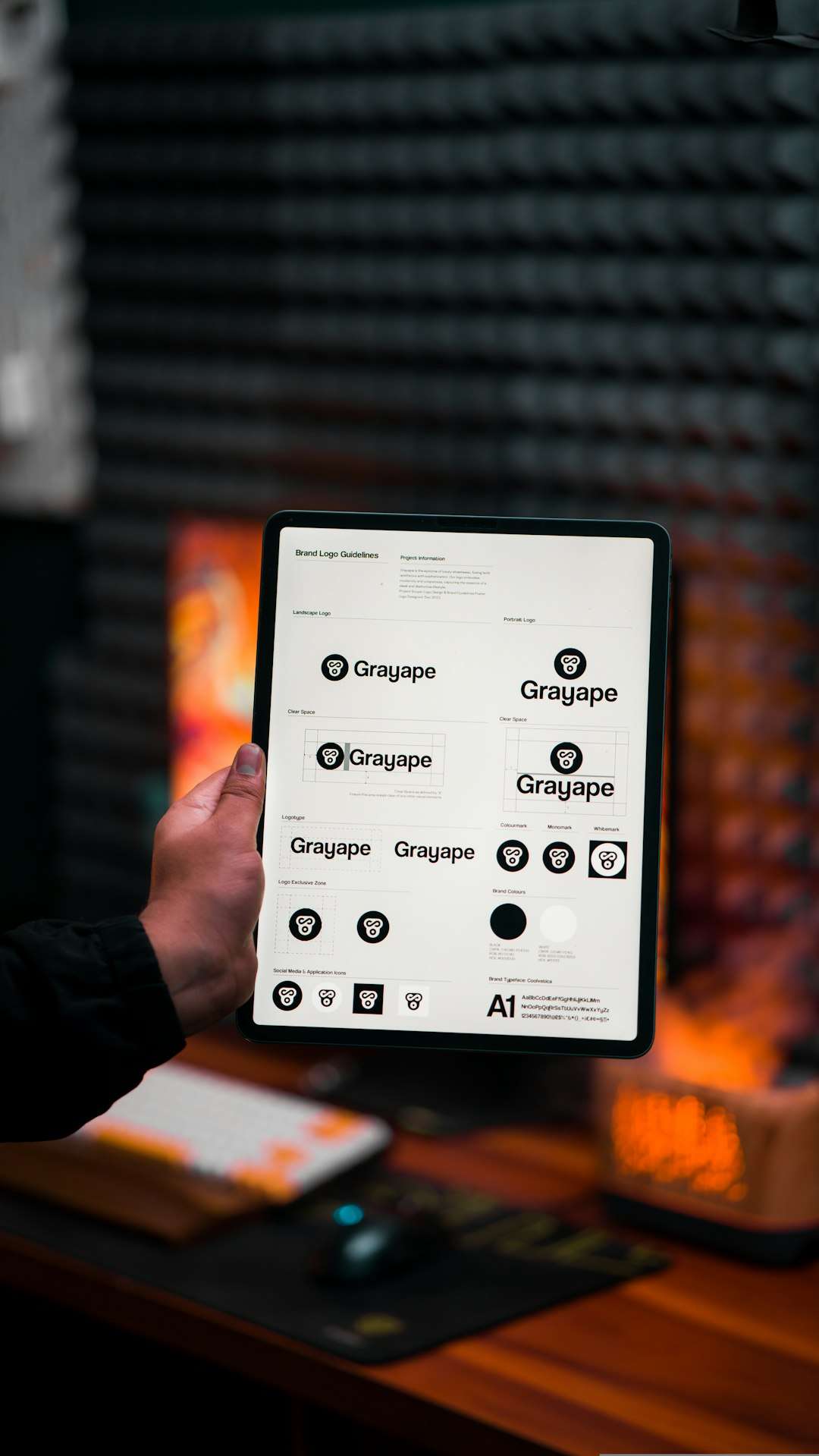
Template-based design tools allow non-designers to produce professional graphics with minimal effort. Pre-sized Instagram templates eliminate guesswork regarding image dimensions and text placement. This ensures posts remain visually optimized without cropping issues.
Additionally, brand kit features help maintain consistent colors, fonts, and logo usage across all content.
5. Collaboration and Workflow Management Tools
For teams managing Instagram accounts, collaboration tools are essential. Without them, feedback loops become messy and approvals are delayed.
Key features to look for include:
- Role-based access permissions
- Internal commenting on drafts
- Approval workflows
- Version history tracking
Workflow tools prevent miscommunication and ensure everyone—from designers to copywriters to managers—operates within a streamlined system.
6. Analytics and Performance Tracking Tools
Posting regularly is not enough; performance analysis determines long-term success. Analytics tools provide insight into which posts resonate most with audiences.

Important metrics include:
- Engagement rate
- Reach and impressions
- Follower growth trends
- Click-through rates
- Story completion rates
By studying these metrics, marketers can refine future content strategies. For example, if carousel posts consistently outperform single-image posts, more carousels can be incorporated into the schedule.
7. Hashtag Research Tools
Hashtags remain a powerful discovery mechanism on Instagram. Research tools analyze hashtag popularity, relevance, and competitiveness.
Effective hashtag tools help users:
- Find niche-specific tags
- Avoid overly saturated hashtags
- Track hashtag performance over time
- Create reusable hashtag groups
This ensures posts reach the right audiences without being buried under excessive competition.
8. Content Repurposing Tools
Successful marketers maximize each piece of content. Repurposing tools help turn long-form blogs, videos, or podcasts into Instagram-ready snippets.
These tools may:
- Extract key quotes
- Convert video clips into reels
- Resize visuals automatically
- Generate short captions from larger texts
This approach saves time while amplifying content ROI across multiple channels.
9. Asset Management Libraries
As content volume grows, so does the need for storage organization. Asset management tools centralize photo libraries, brand assets, and video files.
Features often include:
- Folder categorization
- Searchable tags
- Cloud access
- Permission-based sharing
Instead of searching through scattered drives or devices, planners can locate needed visuals instantly.
Choosing the Right Tool Combination
No single tool solves every challenge. The ideal system depends on:
- Account size
- Budget
- Team structure
- Content volume
- Growth goals
For solo creators, a scheduling platform combined with a basic design tool may suffice. Larger brands, however, benefit from integrated solutions that combine analytics, workflow management, and approvals in one dashboard.
Best Practices for Using Content Planning Tools
Simply having tools is not enough. Their effectiveness depends on how they are used.
- Batch content creation: Dedicate specific days to create and schedule posts.
- Review analytics consistently: Adjust strategy monthly based on performance data.
- Maintain authenticity: Automation should enhance engagement, not replace it.
- Stay flexible: Leave room in the calendar for trending content and real-time moments.
When used strategically, planning tools reduce stress and improve creative focus.
The Future of Instagram Content Planning
As artificial intelligence and automation evolve, Instagram planning tools are expected to become even smarter. Predictive analytics may soon suggest exact content types to post based on audience behavior patterns. AI-powered editing tools are likely to enhance visuals automatically, while voice and video content planning features expand.
Personalization will remain at the center of content success. Tools will increasingly tailor recommendations to specific industries, audience demographics, and brand tones.
Ultimately, technology will continue to support creativity rather than replace it.
FAQ
1. Are Instagram content planning tools worth it for small businesses?
Yes. Even small businesses benefit from improved organization, time savings, and performance insights. Many platforms offer affordable plans tailored to small teams or solo entrepreneurs.
2. Do scheduling tools negatively affect engagement?
No. Instagram does not penalize scheduled posts. Engagement depends more on content quality, timing, and audience interaction than on whether a post was published manually or automatically.
3. How far in advance should content be planned?
Most marketers plan two to four weeks ahead. However, maintaining flexibility for trending topics and timely events is recommended.
4. Can one tool handle everything?
Some all-in-one platforms combine scheduling, analytics, and collaboration features. However, many marketers use a combination of specialized tools for optimal results.
5. Are AI caption generators reliable?
AI caption tools are helpful for brainstorming and drafting. However, captions should always be refined to match brand voice and audience expectations.
6. What is the most important feature to look for?
The most important feature depends on specific needs. For visual brands, grid previews may be critical. For data-driven marketers, analytics capabilities are often the priority.
By leveraging the right tools and strategies, Instagram content planning becomes less chaotic and more strategic. Organized workflows, insightful analytics, and creative support systems enable brands and creators to thrive in a competitive digital landscape.
